Feb 24, 2023
DN Footer Contacts v1.2.0
Current version: 1.2 (Available in english and italian languages)
Available at https://wordpress.org/plugins/dn-footer-contacts/
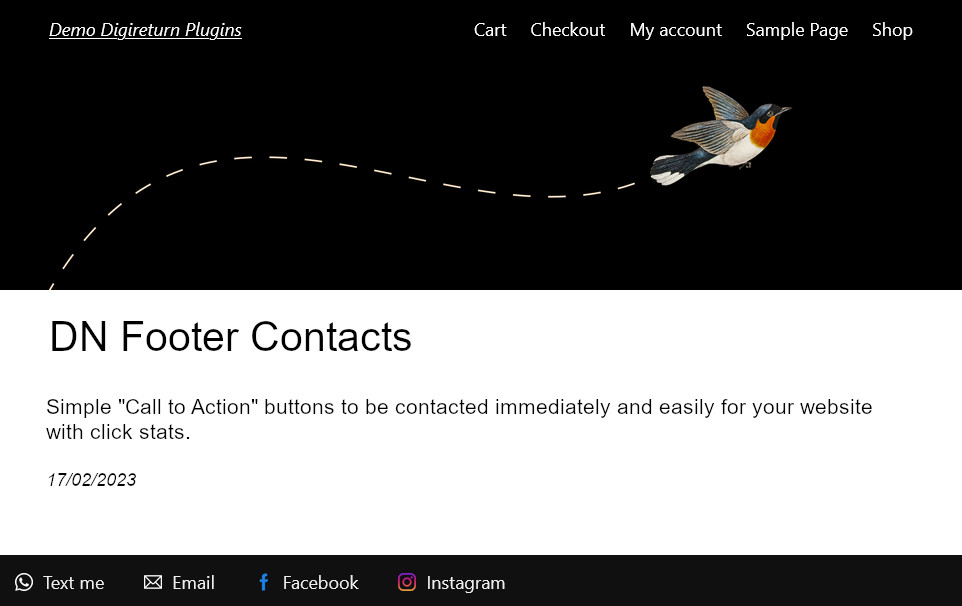
Simple “Call to Action” buttons to be contacted immediately and easily for your website with click stats.
Show fixed buttons all over your website, to allow visitors a quick and easy way for contact you by “Call to Action”. This plugin allows you to track and evaluate the effectiveness of a site by measuring visitors’ clicks. By combining the statistics of the buttons (call to action) with the statistics of visits of other tools, it will be easier to study new strategies to increase conversions.
Add a preset field
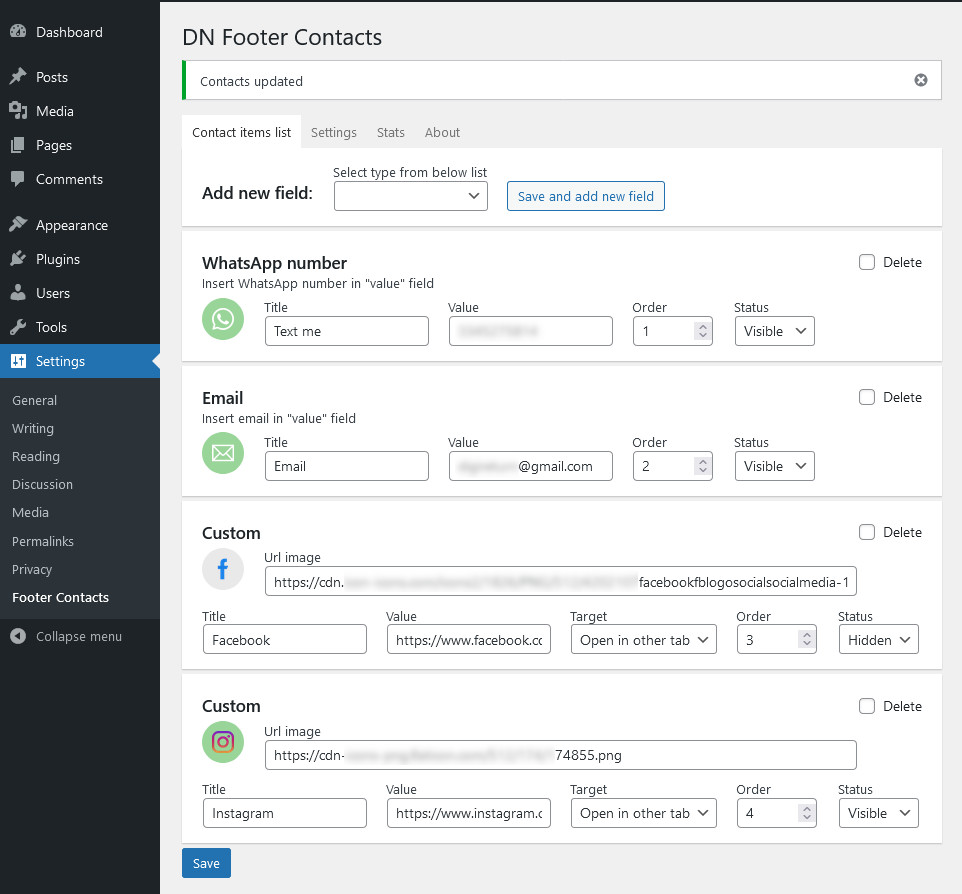
- In the side menu, click on Settings > Footer Contacts
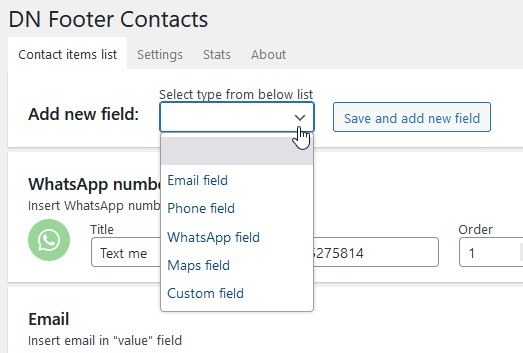
- In the “List” screen, select a predefined field from the drop-down menu and click on “Save and add new”
- Fill in the required fields (the title is optional), set status to “visible” and save
Available preset fields
- WhatsApp button for quickly sending a message
- Phone button to call immediately
- Email button to write and send mail
- Map button to activate the Google navigator and provide information on how to reach the office
Add custom field
Custom field button for other link, example profile facebook, profile instagram, profile youtube, messenger, etc
- Prepare a 56×56 pixel image with transparent background (png, gif, webp, etc)
- From the side menu click on Media > Add new
- Press “Select file” to open the device file browser window
- Select the image file and upload it
- Copy the url generate by WordPress (if image is not optimized you can edit the image with the tools made available by the image library)
- In the side menu, click on Settings > Footer Contacts
- In the “List” screen select “custom field” from the dropdown and click on “Save and add new”
- Fill in the required fields (the title is optional), copy url in the “image url” field, set status to “visible” and save
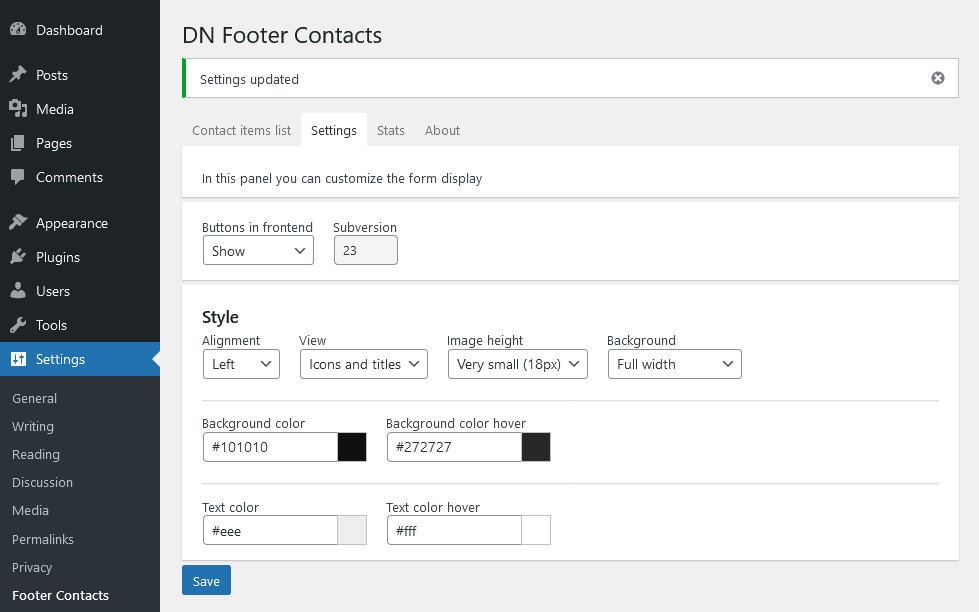
Settings
- alignment (center, left or right)
- display customization (icons only, text only, or both)
- size of icons (very small, small, normal, big, very big)
- type of background (full screen background, background only on buttons or completely transparent background)
- customization of background and text colors (including hover colors)
Each button consists of
- title visible to site visitors (it can be hidden)
- value in which to insert number or link
- visibility option (visible / hidden) for don’t lost stats
- white icon with transparent background (png format), in the backend it becomes green background when active and gray background when hidden
- sorting of buttons (by order number)
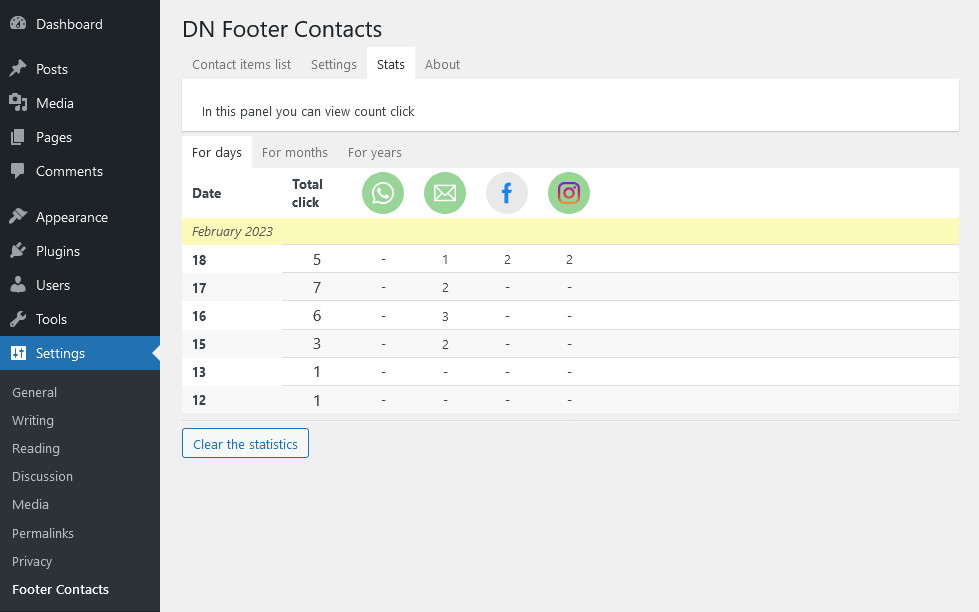
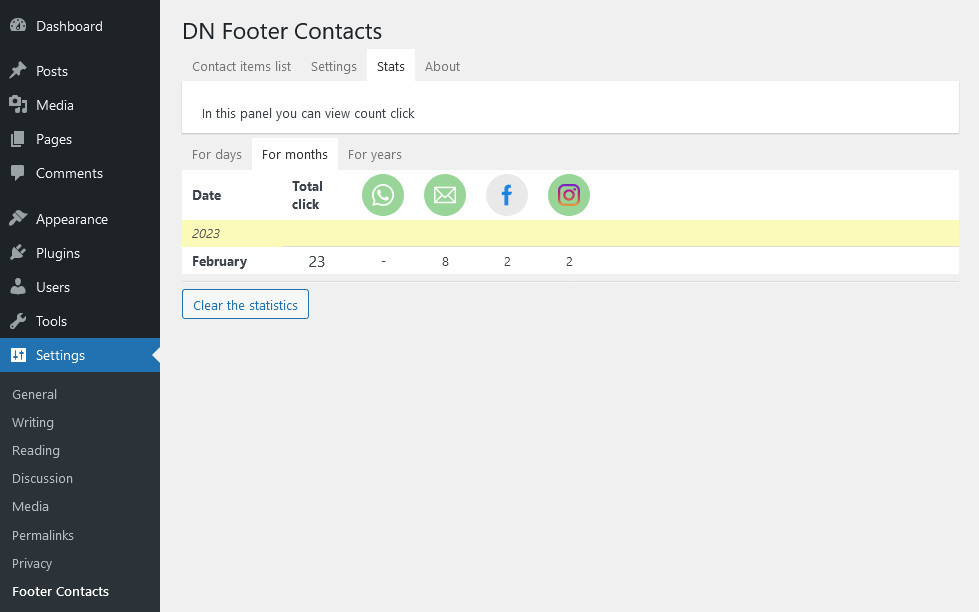
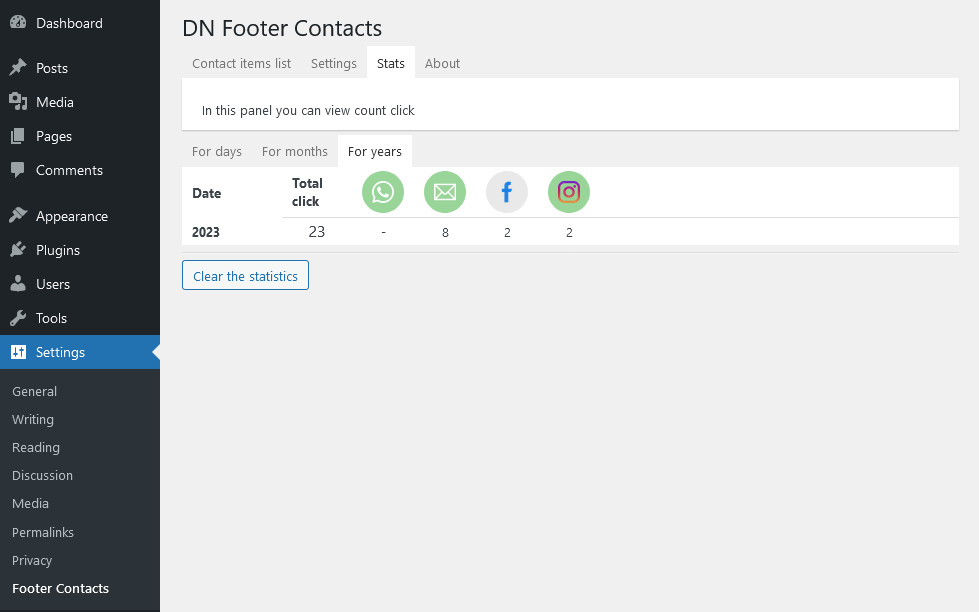
Statistics
Stats to monitor clicks (call to action):
- total number of clicks per day, month and year
- daily, monthly and annual chicks number for each button
Support and feedback
- FaceBook group: DN Plugins WordPress
- WordPress forum: DN Footer Contacts
This plugin is compatible and integrable in DN Dashboard